
One story
Inbox to approved output in 9 chapters.
Inbox to approved output in 9 chapters.
Captured from the product tour at 2x.
11 issues fixed, shot by shot.
The launch film says what SoftworkerAI is. The demo had to show how it works: one request, one agent, one person who says yes.
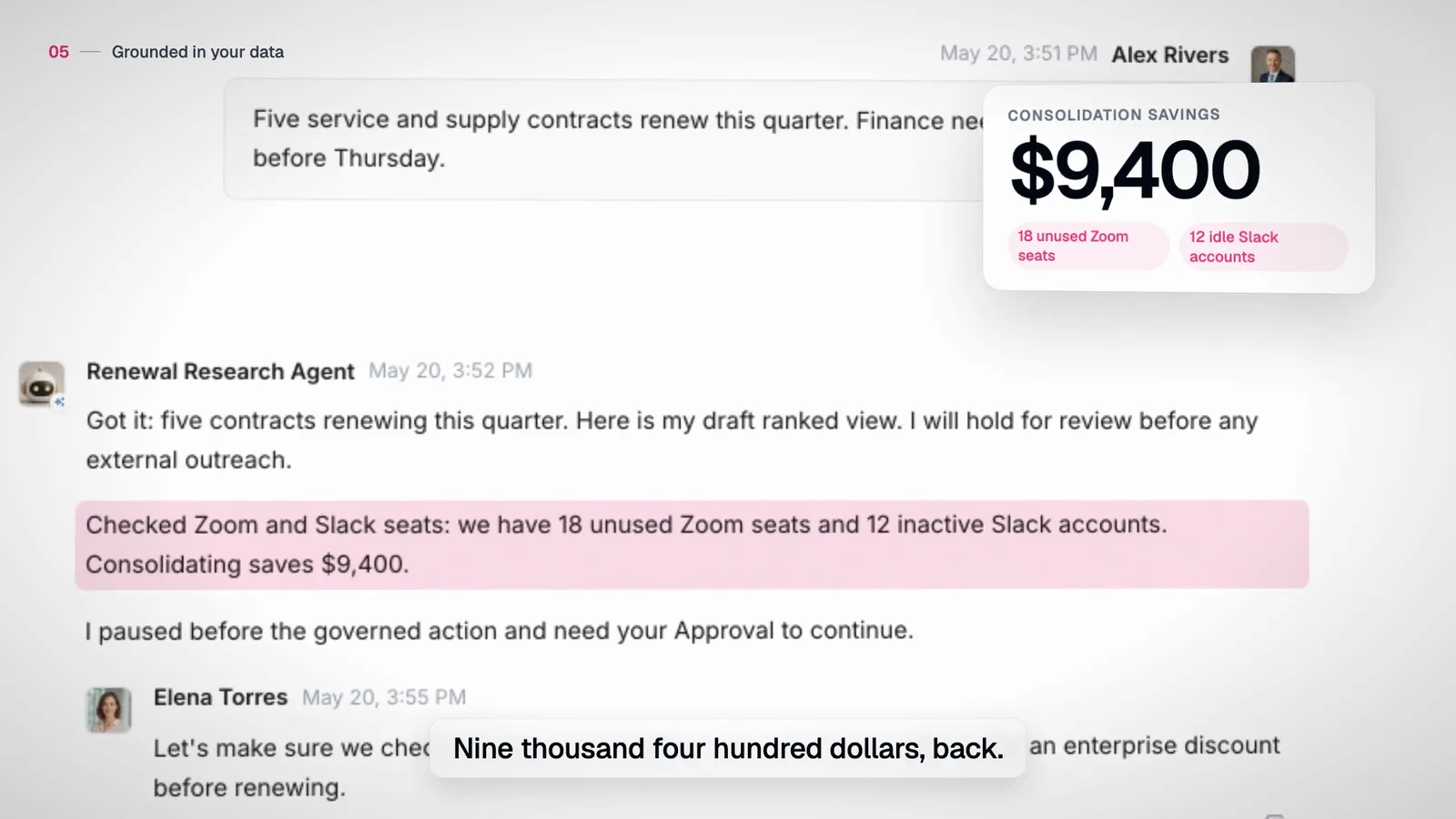
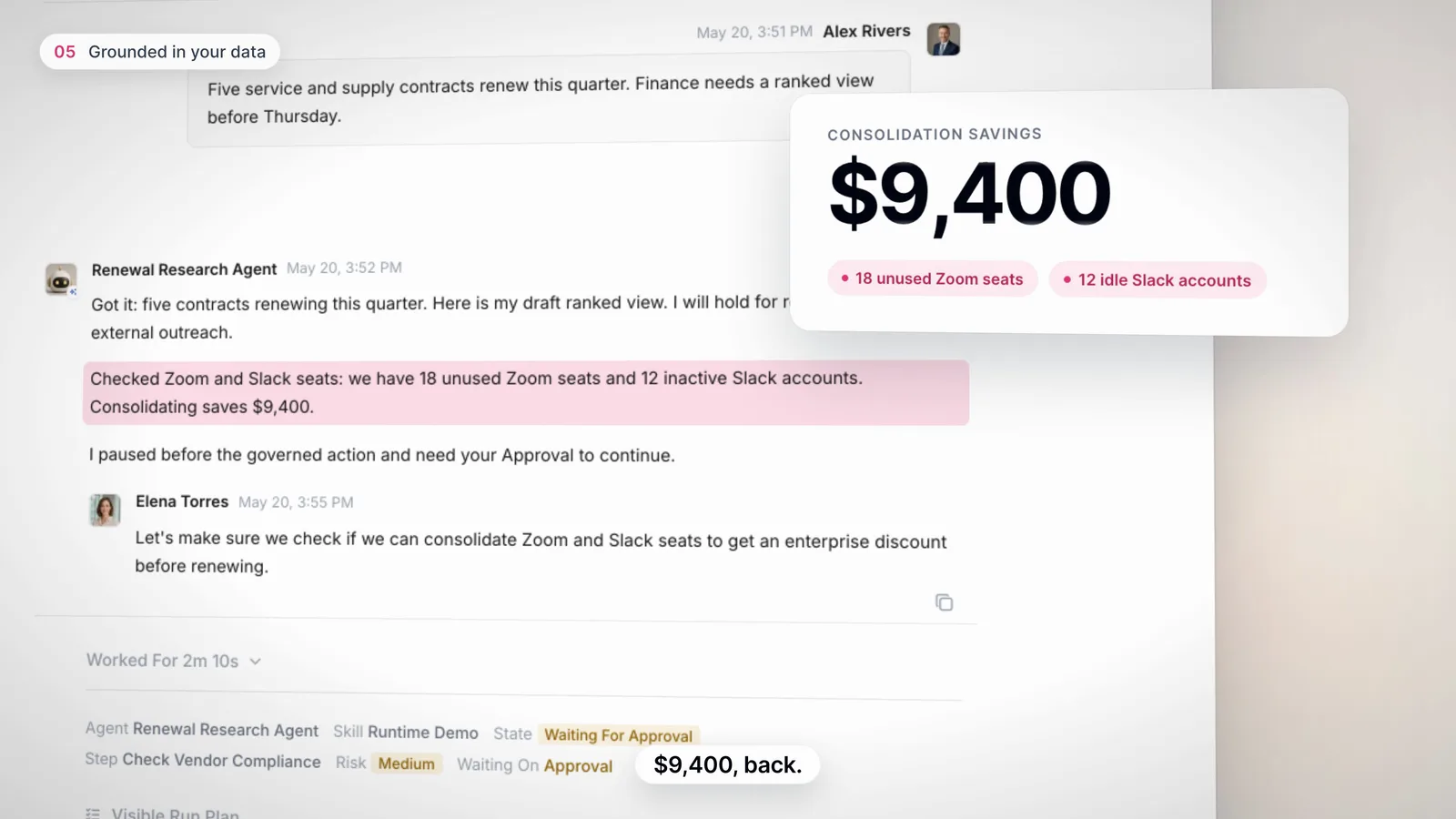
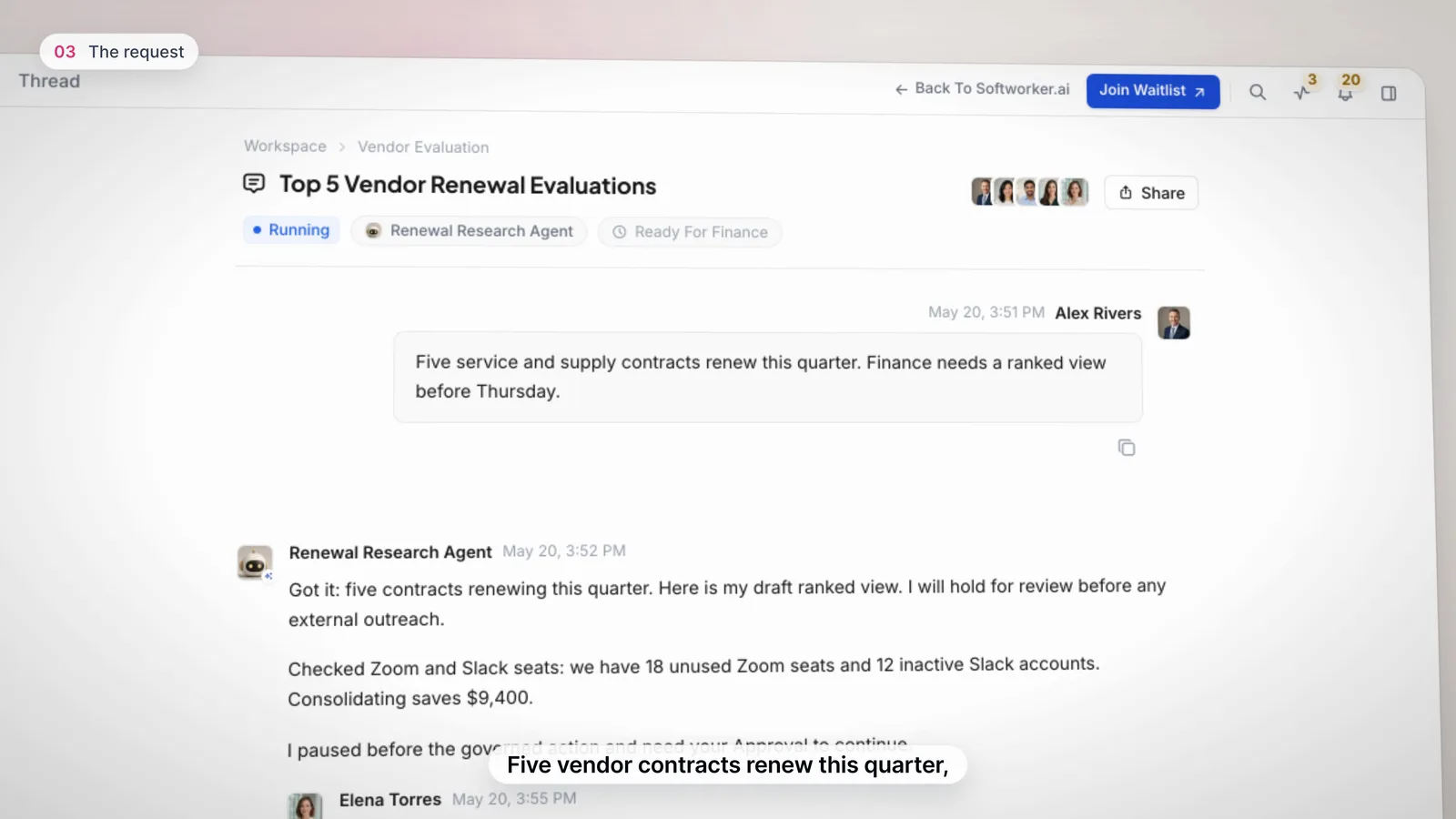
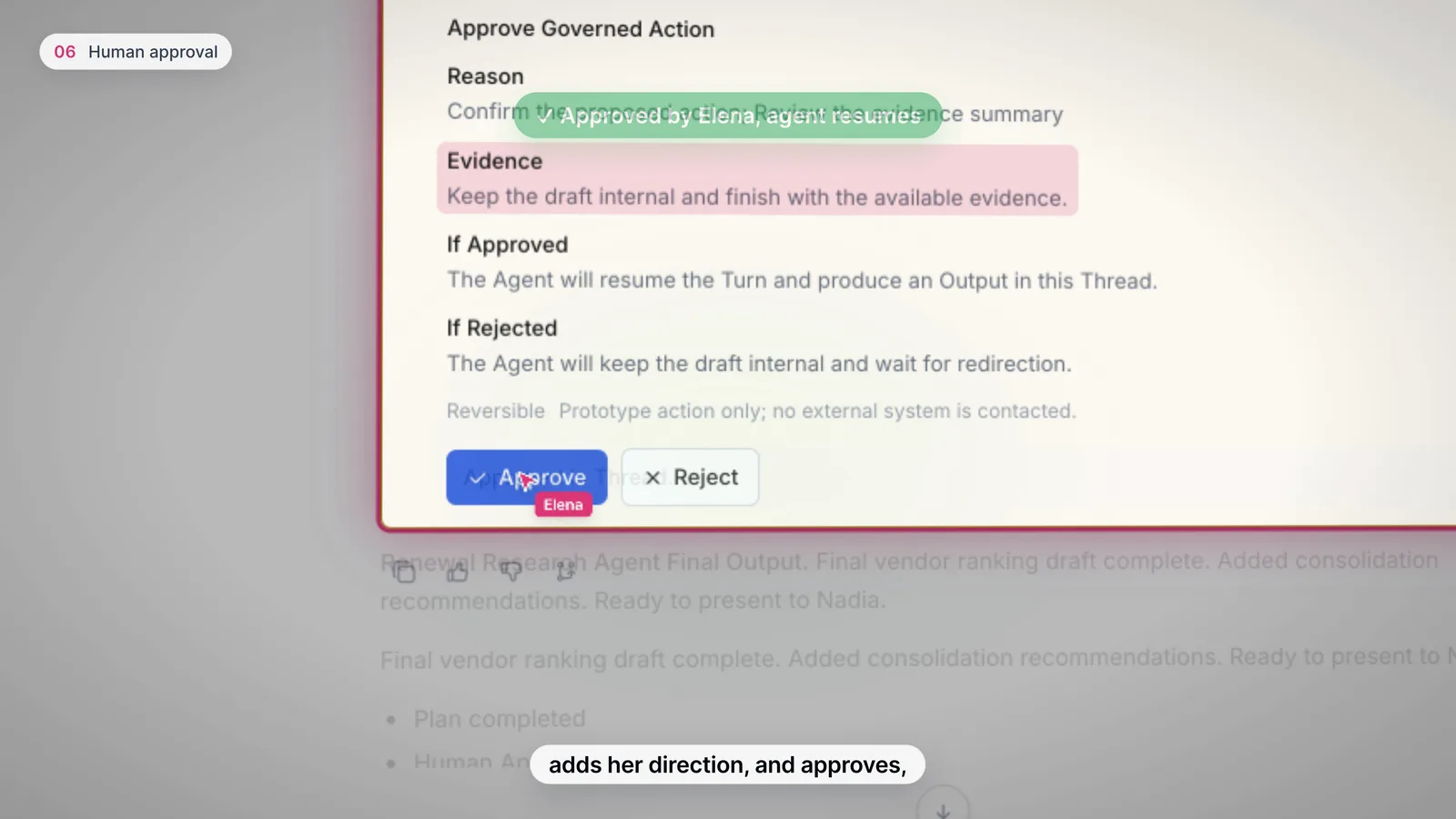
Five vendor contracts renew this quarter. The Renewal Research Agent plans the work, finds $9,400 in unused seats, stops for Elena's approval, then finishes the job.
Each chapter is one idea, and the camera moves to the one part of the screen that proves it.
| Time | Chapter | What it shows |
|---|---|---|
| 0:00 | The problem | Finance work arrives from a dozen tools. |
| 0:08 | One workspace | The team and AI agents, side by side. |
| 0:16 | The request | Five contracts, a ranked view by Thursday. |
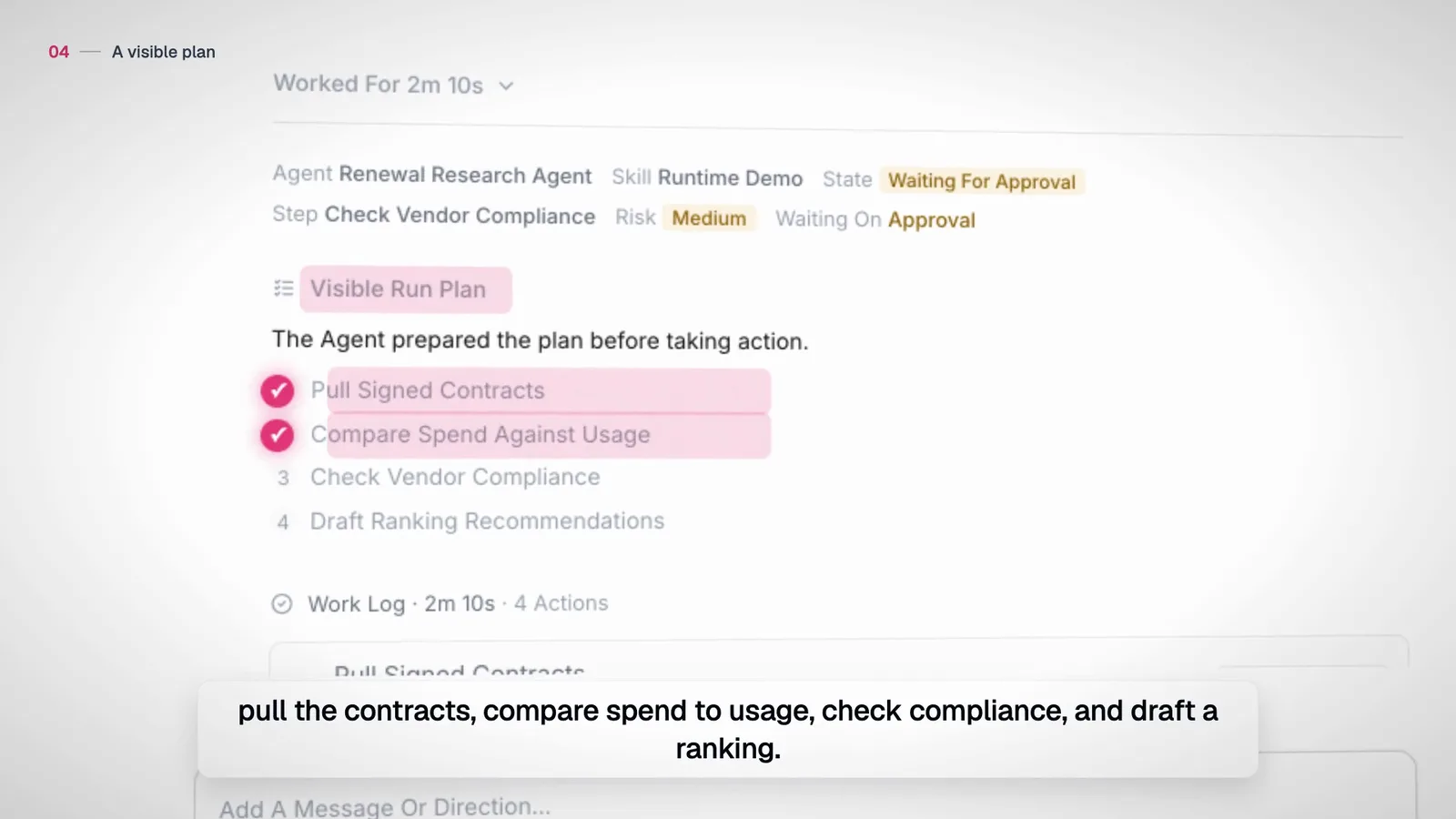
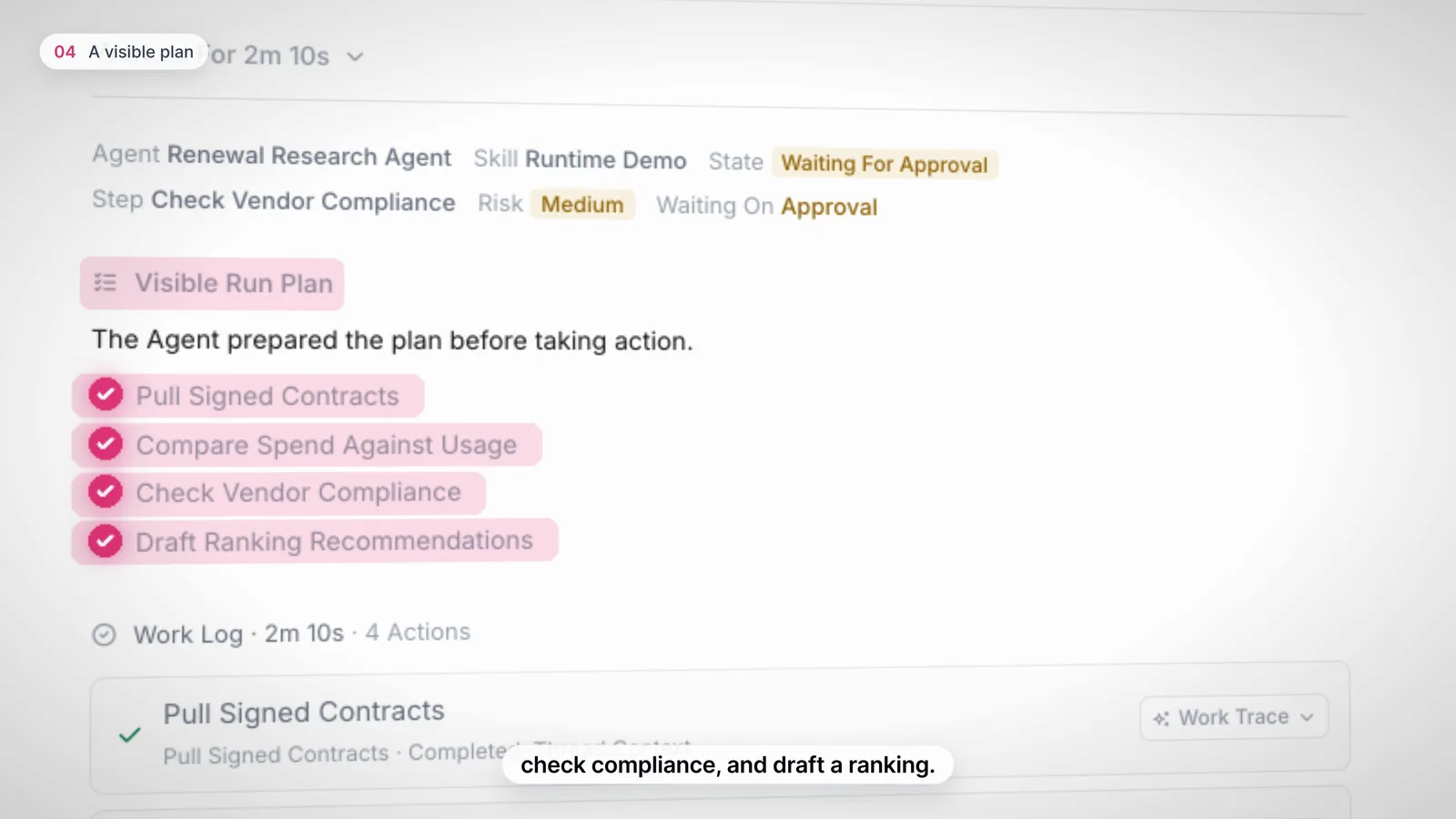
| 0:23 | A visible plan | The agent shows its plan before it acts. |
| 0:35 | Grounded in your data | 18 Zoom seats and 12 Slack accounts: $9,400 back. |
| 0:45 | Human approval | Sensitive actions wait. Elena approves in the thread. |
| 0:56 | Output with evidence | Plan, approval and evidence stay together. |
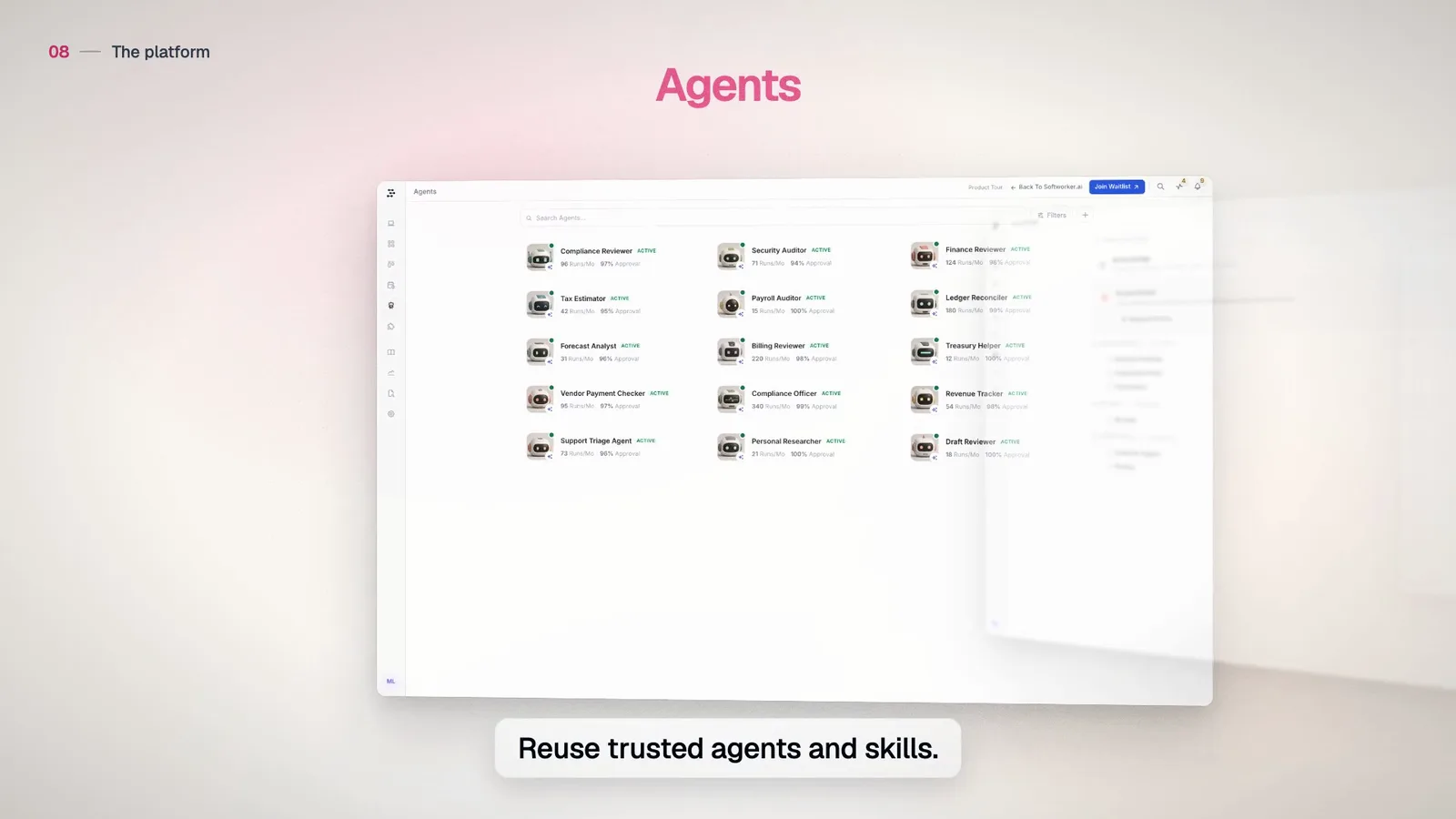
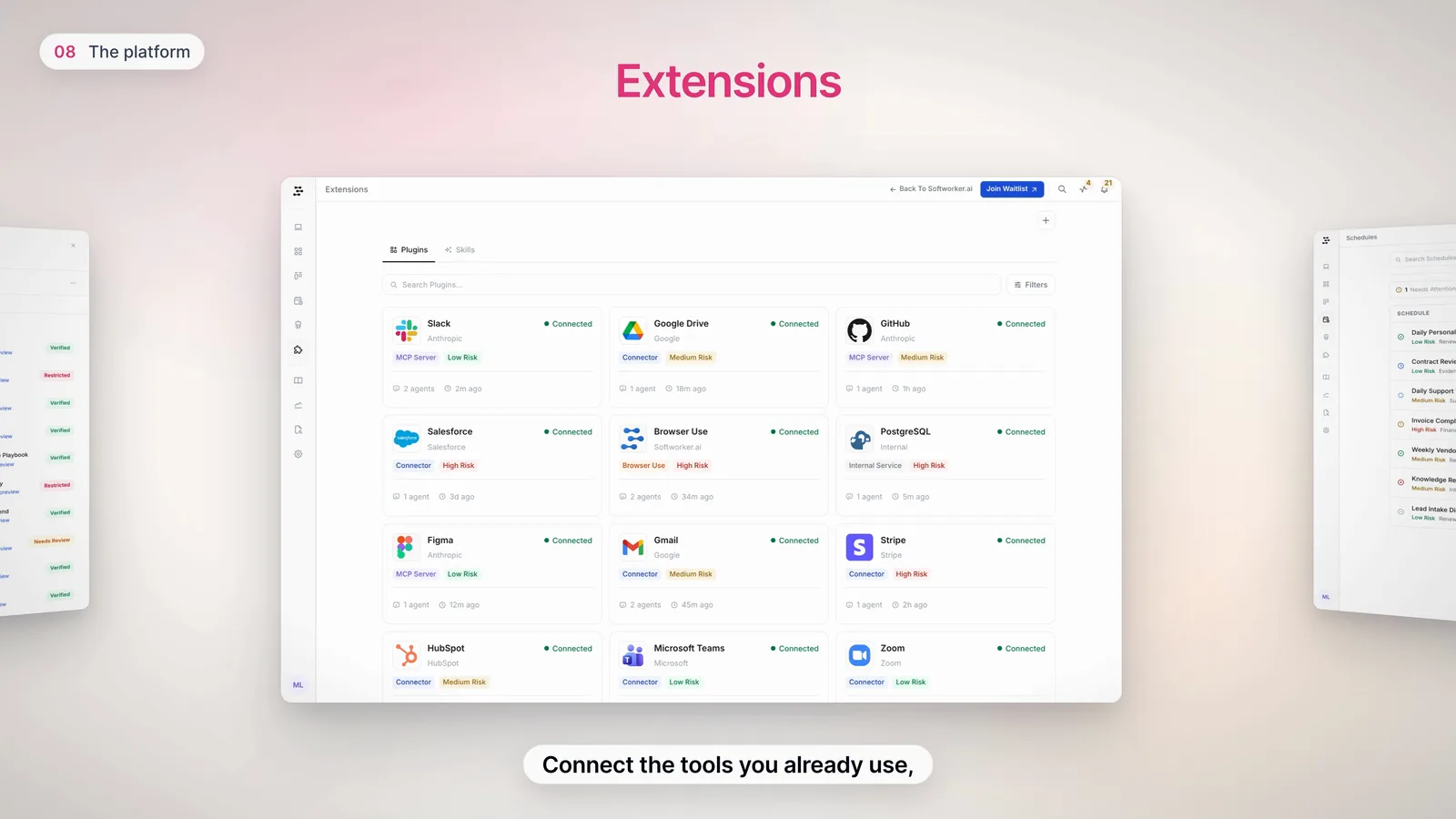
| 1:04 | The platform | Agents, knowledge, extensions and schedules. |
| 1:14 | Cost, impact, audit | What every run cost, saved and did. |
The first cut looked cinematic but did not hold up frame by frame. Highlights missed their rows, grain muddied the opening, captions covered the UI and the voice tripped on "A.I.". I rebuilt it and kept the camera language.
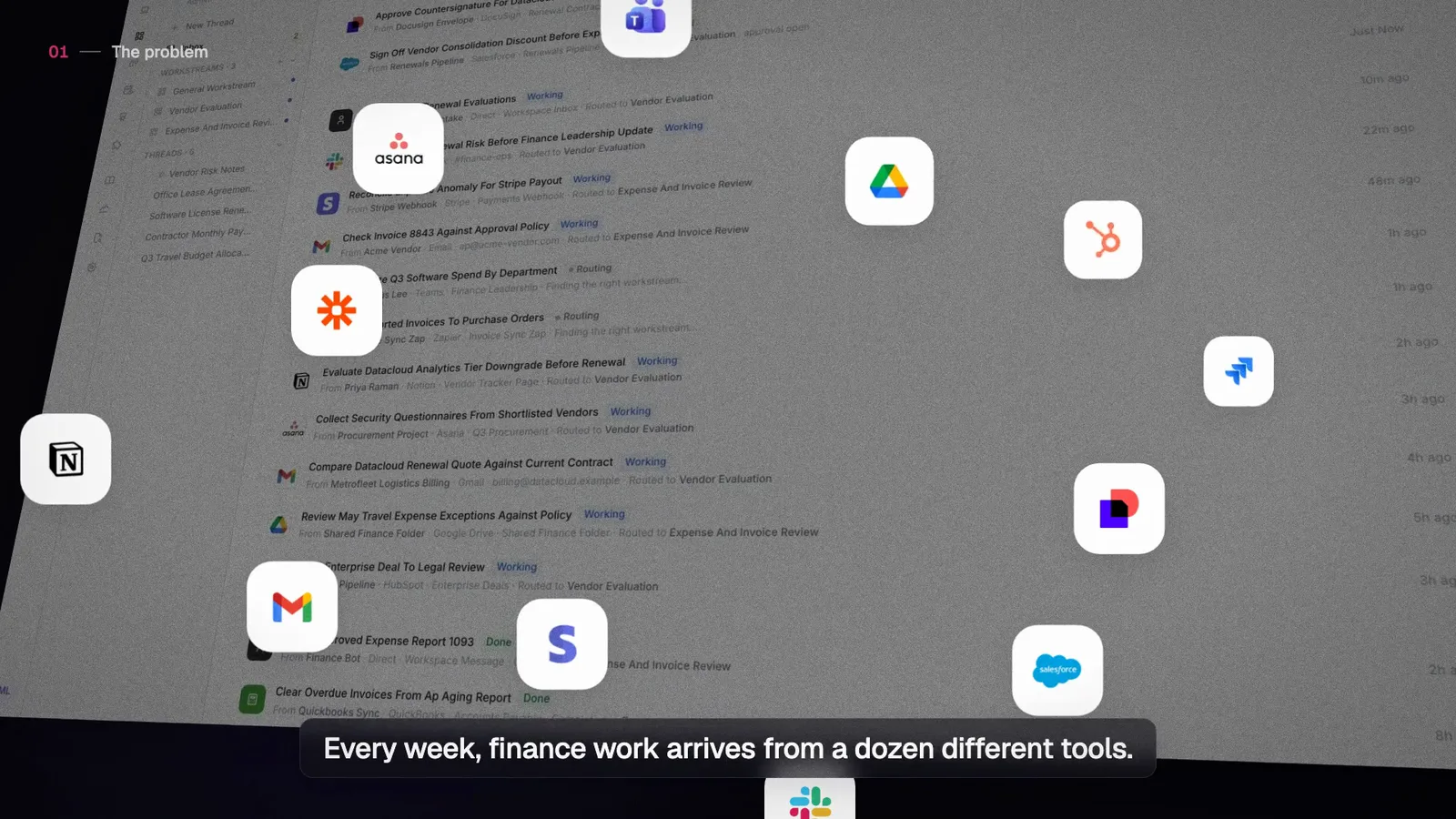
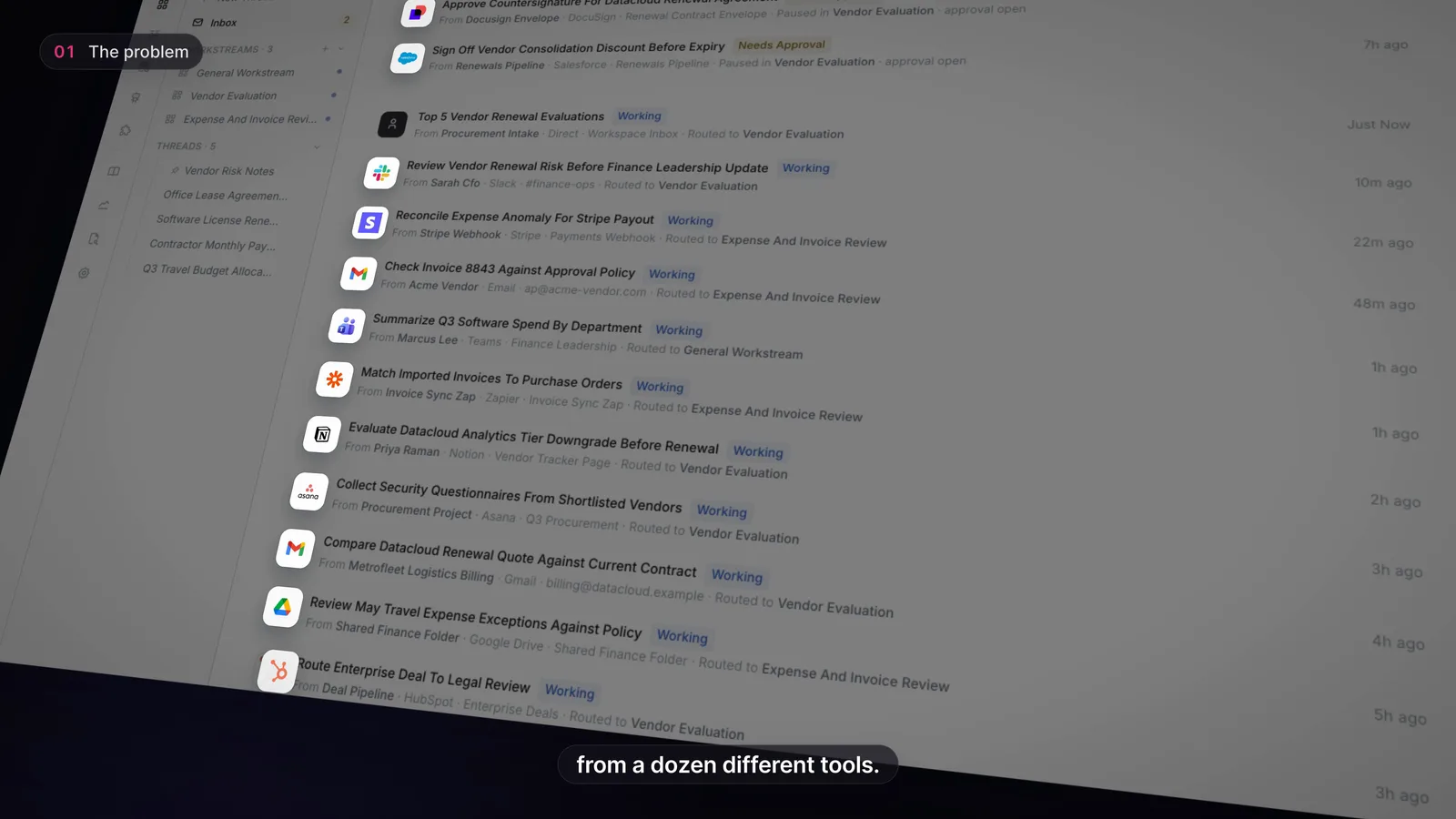
Every highlight is now placed from the element's own box on the live page, so it fits the text with even padding and moves with the screen.
Decision 01
I recovered the first cut's camera paths and rebuilt them in 3D. Highlights live on the screen plane, so they stay locked to the UI through every tilt and push.
Decision 02
The mark uses the official outline, rendered as vector, so it stays crisp in 4K. The bars slide in and settle with no bounce.
Decision 03
Captions are one line of eight words or fewer, below the screen. The voice is open source, with A.I. said in one breath.
Built in code with HyperFrames and GSAP, written with AI coding agents. Screens captured with Playwright, voice made with Kokoro. Final render in 4K.